Contents
A long agent run just finished. Four hours, three subsystems, a dozen course-corrections. Now I’m scrolling up through thousands of lines of terminal output trying to answer three simple questions: where did we land, what broke along the way, and what still needs me?
The terminal is the wrong tool for that. A scrollback buffer is linear and append-only; understanding is spatial and comparative. You don’t read progress — you look at it: cards side by side, a timeline you can scan, the one decision that’s actually blocking, highlighted.
So for a while now I’ve ended messy agent tasks with the same request: don’t summarize in chat — build me a single self-contained HTML page I can open in the browser. This post is about turning that habit into a reusable skill — and, more interestingly, about how I built the skill by mining my own chat history instead of designing it from scratch.
The idea isn’t mine
Andrej Karpathy has made the point repeatedly: the output of an LLM is often better rendered than read. A wall of text is the lowest-bandwidth way to hand a human the result of a lot of work. A page — with structure, color, and layout — is far higher bandwidth.
Anthropic just blessed the pattern. Claude Code’s new Artifacts feature publishes a live, interactive HTML page from a session to a private URL that updates in place as the work continues (it’s in beta, on Team/Enterprise plans). That’s a genuinely nice paved road.
But you don’t need the feature to get the value. Any agent that can write a file can write an HTML file. The feature is the convenience; the pattern — agent work → rendered page — is older, portable, and works in any coding agent today. That’s what I wanted to capture.
What a good “work canvas” actually does
After doing this dozens of times, the pages I keep asking for fall into three shapes:
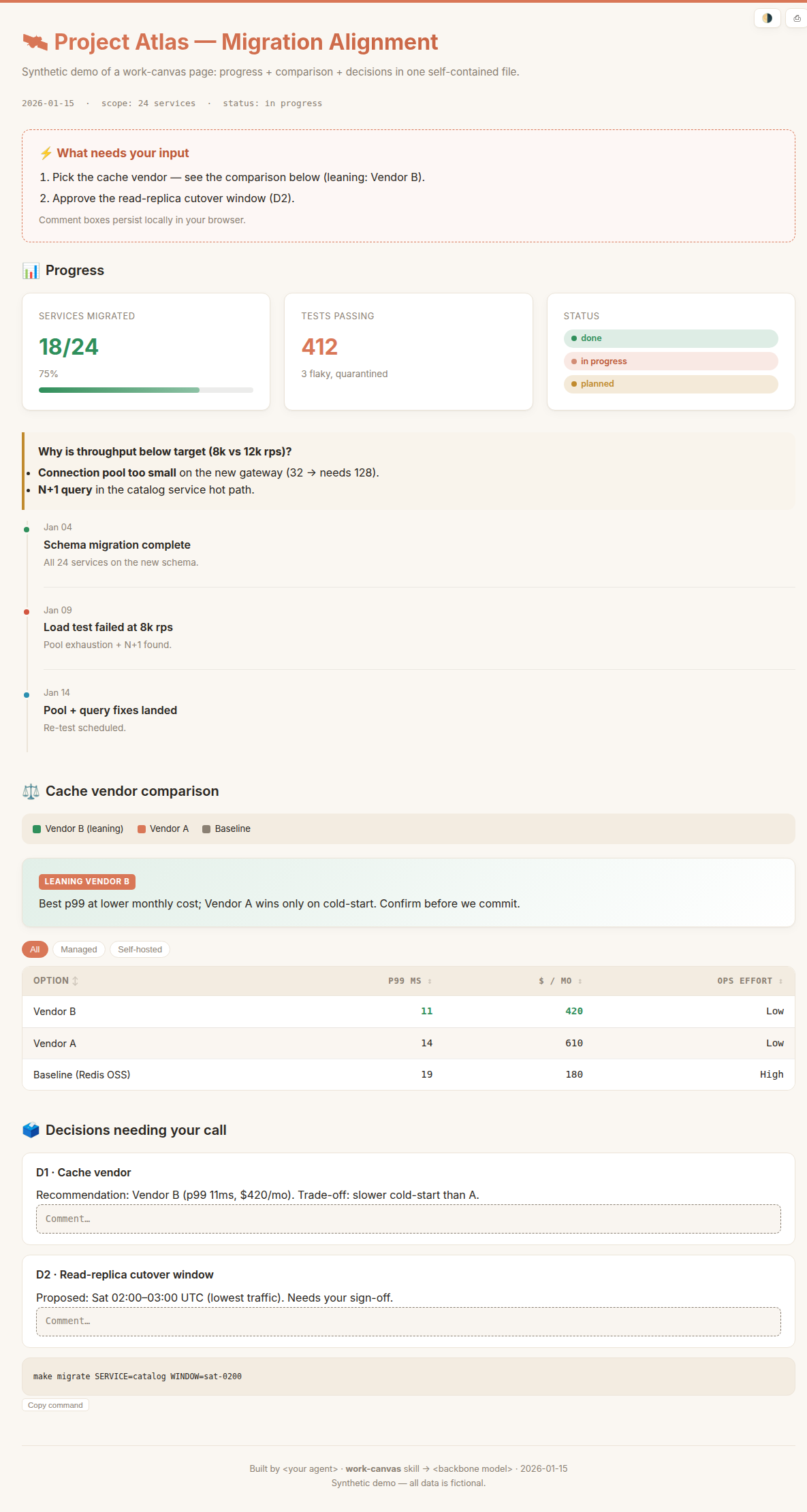
- Progress / status report. A long, messy, multi-subsystem task. KPI cards up top, a timeline of what happened (including the dead ends), status badges, and an “action items” list where each item carries the next command. The job: align me on the whole picture and tell me what needs my input.
- Review / decision memo. Analysis or a plan I need to read, mark up, and decide on. A verdict, then numbered decisions — each with an inline comment box I can type into (and it persists). The job: force the decisions, don’t bury them.
- Comparison / leaderboard. Options weighed head to head. A sortable, filterable table with cost and latency columns, the winning cell highlighted, the actual samples embedded next to the numbers. The job: pick one, and show your reasoning.
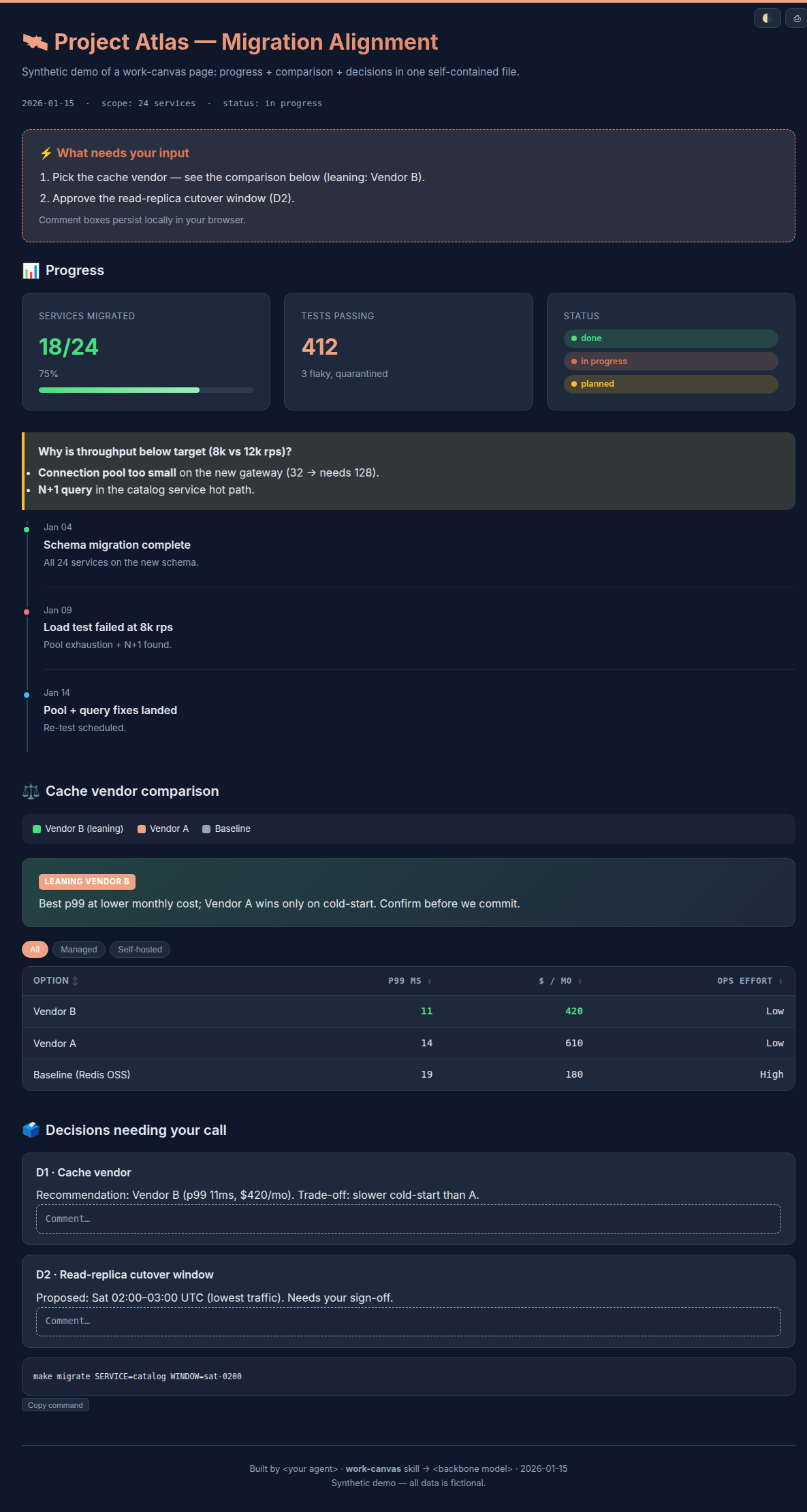
Every one of them is one self-contained file — inline CSS and JS, images embedded, no CDN — that opens by double-click, offline. Here’s a synthetic example (light and dark are the same file, one toggle apart):
I didn’t design the skill — I mined it
Here’s the part I think is worth stealing.
The obvious way to build a skill is to sit down and imagine the ideal one. I did the opposite: I searched my own history. Across three CLI setups I had roughly 2,000 past agent sessions on disk. I pointed a fan-out of read-only agents at them and asked a narrow question — every time I asked for a reviewable HTML, what did I ask for, and what did I complain about?
The pattern showed up in places I’d forgotten: benchmark reports, image-generation pipelines, code reviews, a literature review, even a personal travel-dispute analysis. The components recurred — cards, status badges, timelines, sortable tables — but the genuinely valuable signal was my own rejections, recovered verbatim from the transcripts:
- I once called a page “confusing” because the colors weren’t explained → rule: a legend wherever a color or letter encodes meaning.
- I rejected an alignment page for padding it with fake “open questions” that were already answered → rule: surface only the decisions that genuinely need a human; never invent them.
- I kept repeating “self-contained, opens offline” → rule: inline everything, no external requests.
- I kept asking it not to touch my files → rule: non-destructive; show paste-ready output instead.
You cannot invent that list. You can only recover it. The complaints I’d typed at agents over months were the spec — I just had to read them back.
work-canvas
The result is a small Claude Code skill. It ships:
- a router (
SKILL.md) that picks one of the three types, - a per-type reference (section skeleton + component recipes),
- a shared design system (
base.css, light “Anthropic” theme by default, dark via a toggle), - opt-in vanilla-JS modules — tabs, sortable/filterable tables, image lightbox, copy-to-clipboard, persistent comment boxes — pulled in only when a page needs them,
- and a starter skeleton to assemble from.
The rejections above are enforced as non-negotiables on every page: self-contained, a provenance footer (which agent + model + date built it), real-decisions-only, legends, non-destructive. It’s also deliberately cheap to run — the skill tells the orchestrating model to hand the actual HTML authoring to a smaller, faster model and keep the expensive model for gathering the content.
Does it work?
I pointed it, read-only, at a real multi-package TypeScript repo I’m building — “align me on the full progress and the design at this point.” Three read-only agents read the code and docs, and the skill produced one page: progress across the packages, the architecture as it currently stands, and the handful of decisions that genuinely needed me — each with a comment box. It modified nothing in the repo; the only thing it wrote was the HTML, outside the tree. That’s exactly the contract I want from a tool that’s supposed to report on work, not silently change it.
Use it
It’s open source under Apache-2.0: github.com/JingbiaoMei/work-canvas-skill.
Install is agent-friendly — you don’t hunt for paths. Paste the repo’s instruction to your coding agent (Claude Code, Codex, Pi, OpenCode, …) and it downloads the packaged .skill, extracts it, and drops the folder into each tool’s skills directory. Then just ask: “make a work-canvas progress report for this run,” or “give me a reviewable HTML to align on the design.”
Two takeaways
The right medium for an agent’s work is often a page, not a paragraph — and almost never a scrollback buffer. If a result is easier to look at than to read, render it.
And the best skills aren’t designed top-down; they’re distilled from what you already do. Your chat history is a spec for the tools you wish you had. Mine it — the complaints are the most useful part.

Comments